Choose the direction
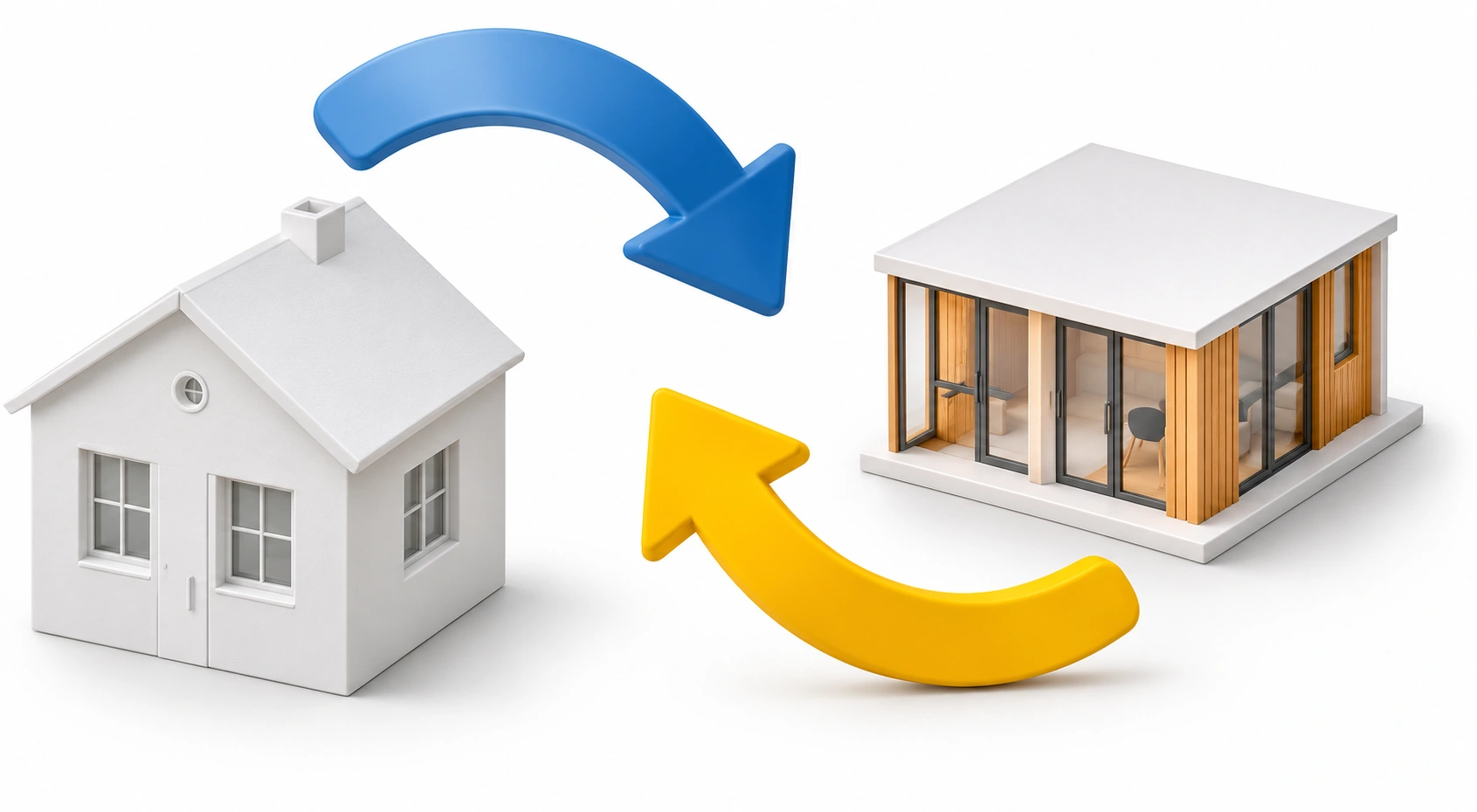
Real size to model size
or model size to real size.
Preparing the interactive tool…
Convert real and model dimensions
with a clear 1:N scale.
Separate display axes. Screen rulers are schematic and cannot measure a physical object.
1:50 means one-fiftieth of the length, not 50 percent.
Real size to model size
or model size to real size.
Type the known length,
select units and enter
the 1 to N scale.
Click convert to see the result,
normalized division and rulers.

Real to model: 5 m ÷ 50 = 0.1 m = 10 cm
Model to real: 10 cm × 50 = 500 cm = 5 m
Direction and unit conversion are explicit; the same 1:50 ratio works both ways.No. A linear 1:N scale divides real length by N to obtain model length. 1:50 means one-fiftieth,or 2 percent,of the real length.
Yes. Choose model to real and multiply the known model length by the denominator,then convert units.
No. Each display axis is independently labeled and fitted to the screen; neither is a physical measuring instrument.